Chat test
Chat with the AI directly in the admin to test how skills and the knowledge base answer; the conversations are marked as test data
Chat test lets you chat with the AI directly in the admin, without opening your website or LINE. After adjusting skill settings, or syncing new entries to the knowledge base, you can ask questions here to check how the AI answers.
Test conversations are not counted in statistics, but they do use your quota
- Conversations here are marked as test data and are not counted in Dashboard statistics
- Every message really asks the AI for an answer, so usage and quota are counted as usual, the same as real conversations
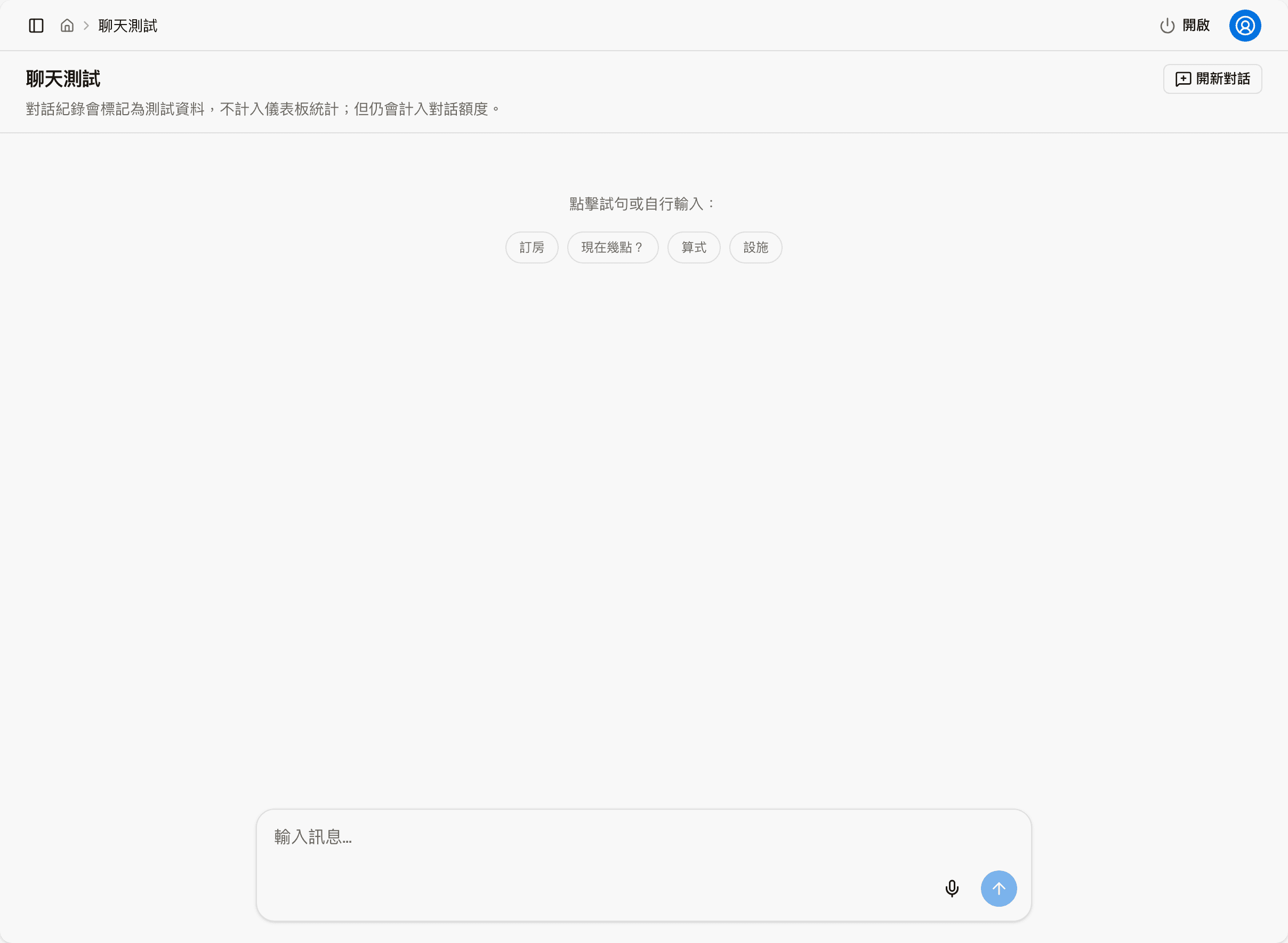
What you can do on the screen
| Item | What it does |
|---|---|
| Samples | "Booking", "What time is it now?", "Math" and "Facilities" in the middle; click one to send a prepared question right away |
| Message input | Type your own question and click the arrow at the bottom right to send it |
| Microphone | Speak your question; the system converts it to text |
| New chat | Start a new test conversation |
After you send a message, the AI's answer appears on the screen.
Where test conversations go
Every test conversation stays in Conversations, under a test member visitor with a flask icon. There you can see which skill or rule the conversation used. To see only test conversations, filter by "Status → Test only", or "Filter conversations → Data type → Test only".
Chat test talks to the AI as a member. When a skill's "Minimum authentication level" is set to "Internal", it cannot be tested here either.