Store keywords
Which messages a visitor sends in a conversation get a store entry link in reply — the three keyword groups Enter store, Check orders and Check support requests
To get to the store page, customers send a specific message in a conversation, receive a store entry link, and open it. This section sets which messages trigger the store entry.
Only an exact whole-message match triggers it
The store entry is sent only when the visitor's whole message exactly matches one of the keywords. For example, if the keyword is "shop", a visitor who sends "shop" receives the entry; one who sends "I want to shop" does not, and that message is answered by the AI as a normal conversation.
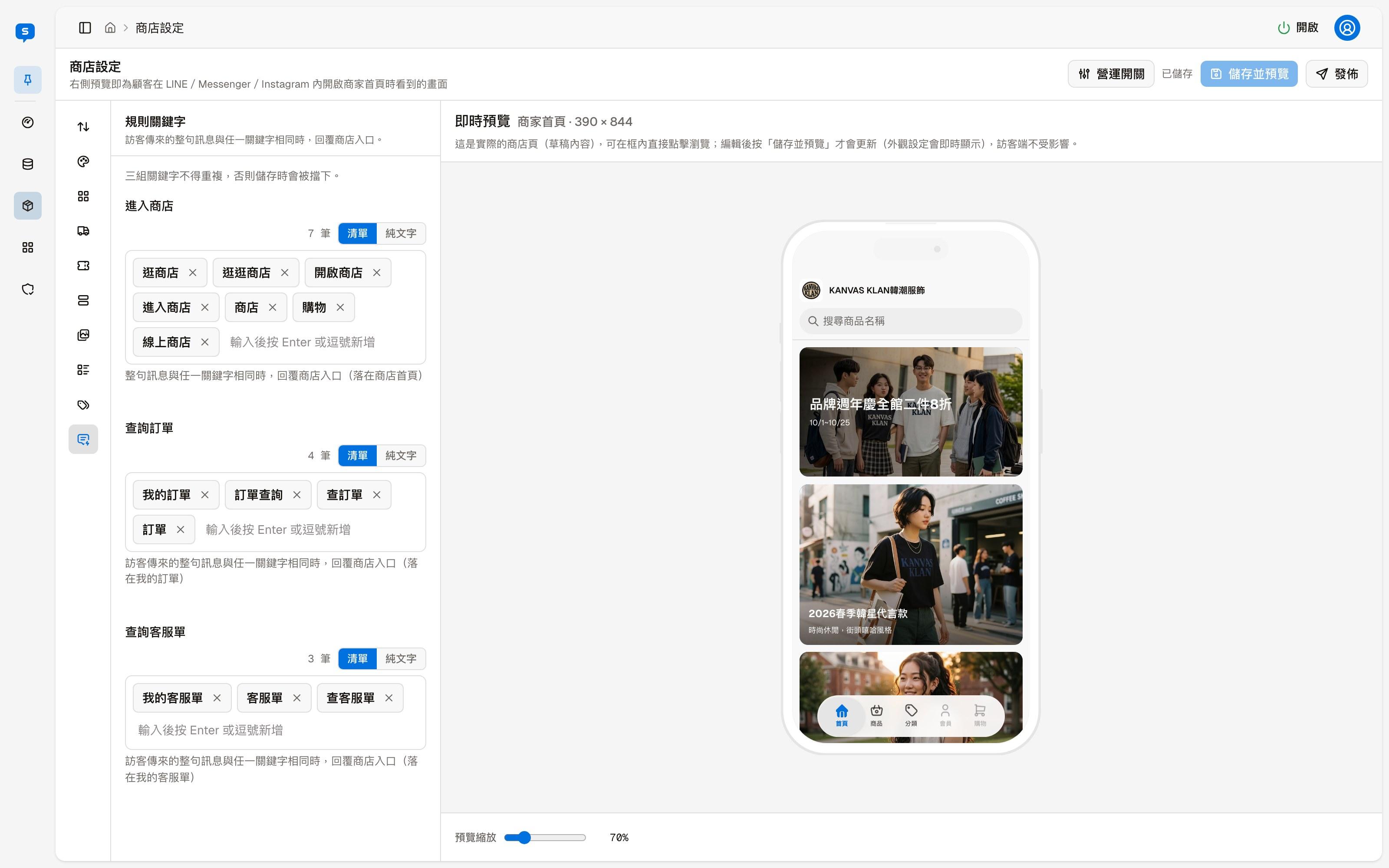
The three keyword groups
| Group | Opening the entry lands on |
|---|---|
| Enter store | The store home page |
| Check orders | My orders |
| Check support requests | My support requests |
Next to each group's title is the number of keywords it has. The three groups cannot share a keyword; duplicates block saving.
Editing keywords
Each group can be switched between two views:
| View | How to edit |
|---|---|
| List | Each keyword is a tag; click the × on a tag to remove it. Type in the box below and press Enter or a comma to add one |
| Plain text | All keywords in one text box, one per line; handy for pasting or tidying up many at once |
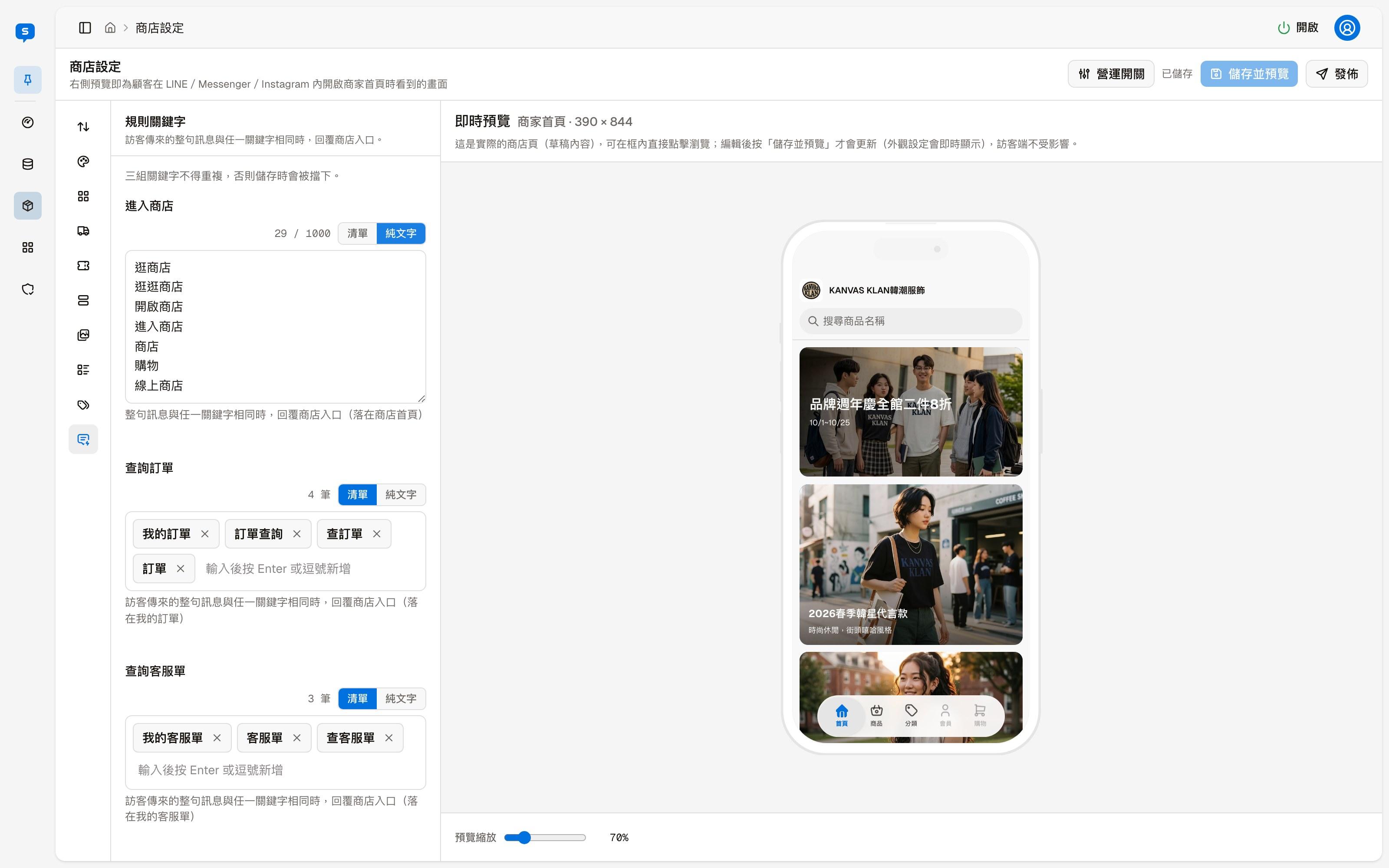
Changes also need "Save and preview" and "Publish" to take effect; see the overview.
Tags and store categories
Managing tags and store categories together — adding, renaming, deleting and reordering, and whether to show a tag as a store category
Store page
The store page customers see — how they get there, Home, Products, Categories, product pages, the member center and the cart, and which admin setting controls each part